World generation and biomes
Quick answer
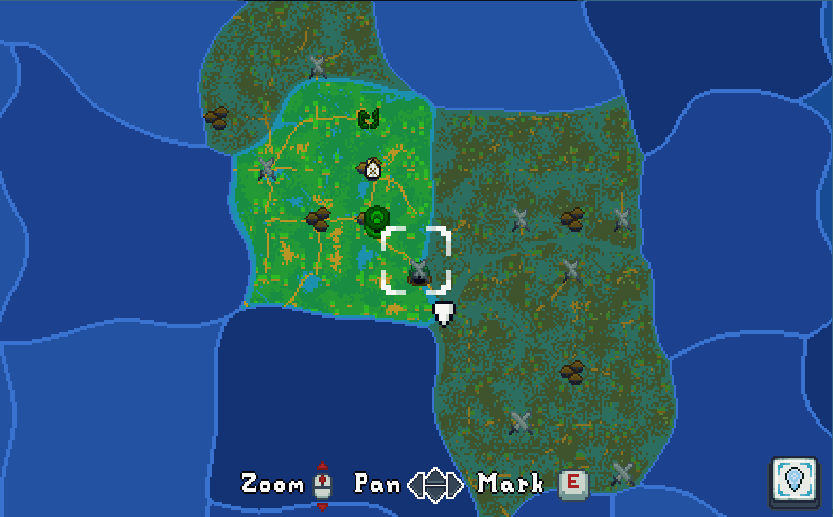
Open the map for the village marker, then enter new biomes to reveal them. Use Center Map if you pan away from your position.
Reveal the EA 0.2 world map
- At a new spawn, open the map and find the marked village. EA 0.2 puts the starting point farther away from it.
- Pan and zoom to choose a landmark or a biome boundary you want to reach. The keyboard overlay in the official map screenshot shows E for Mark. Use the prompt on your current input device if you have rebound it.
- Travel into the next biome to reveal it through Fog of War. Check the map after crossing so you have a route back. The generated biomes are 1.8 times bigger in EA 0.2, so a familiar crossing can take longer.
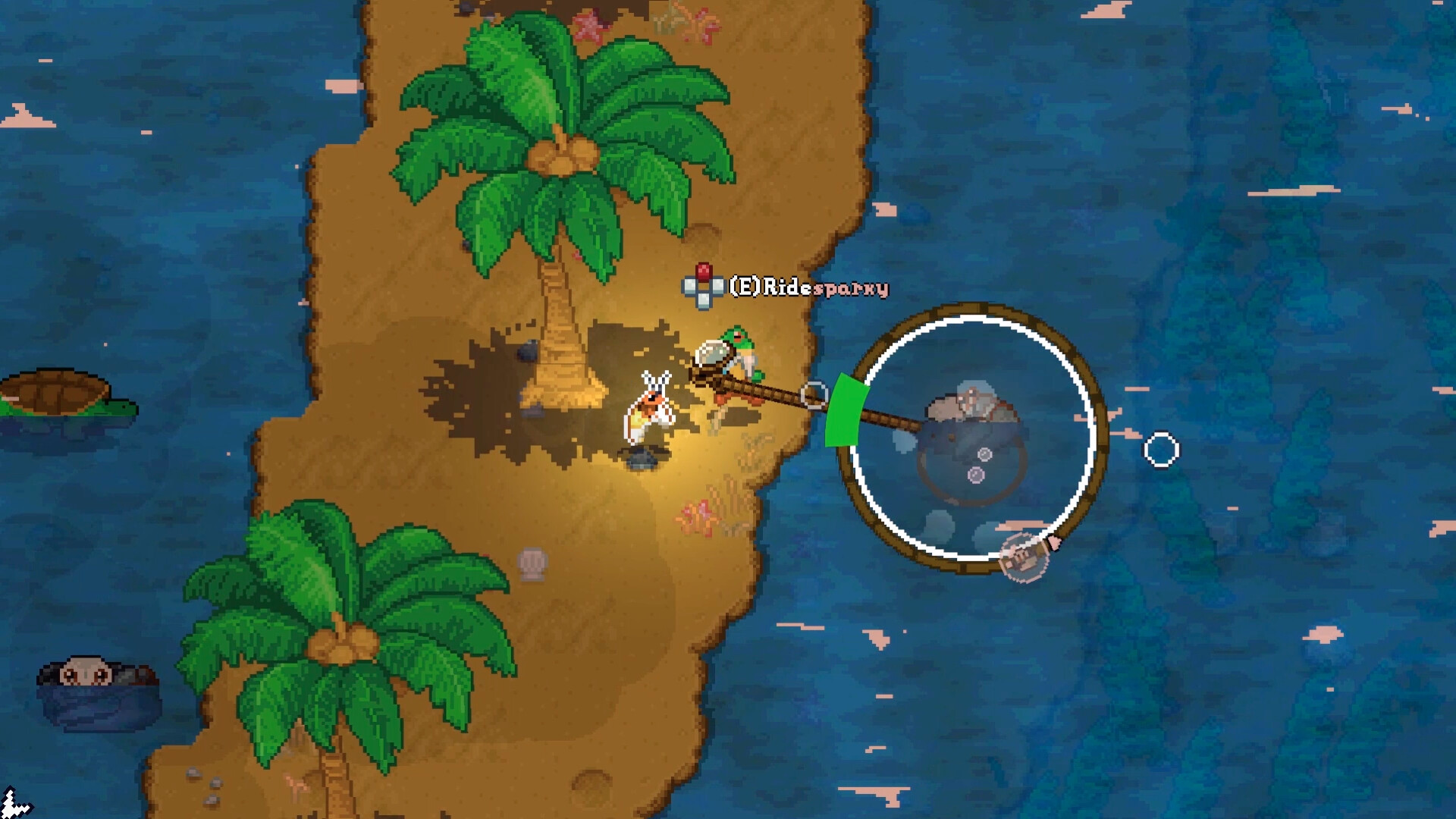
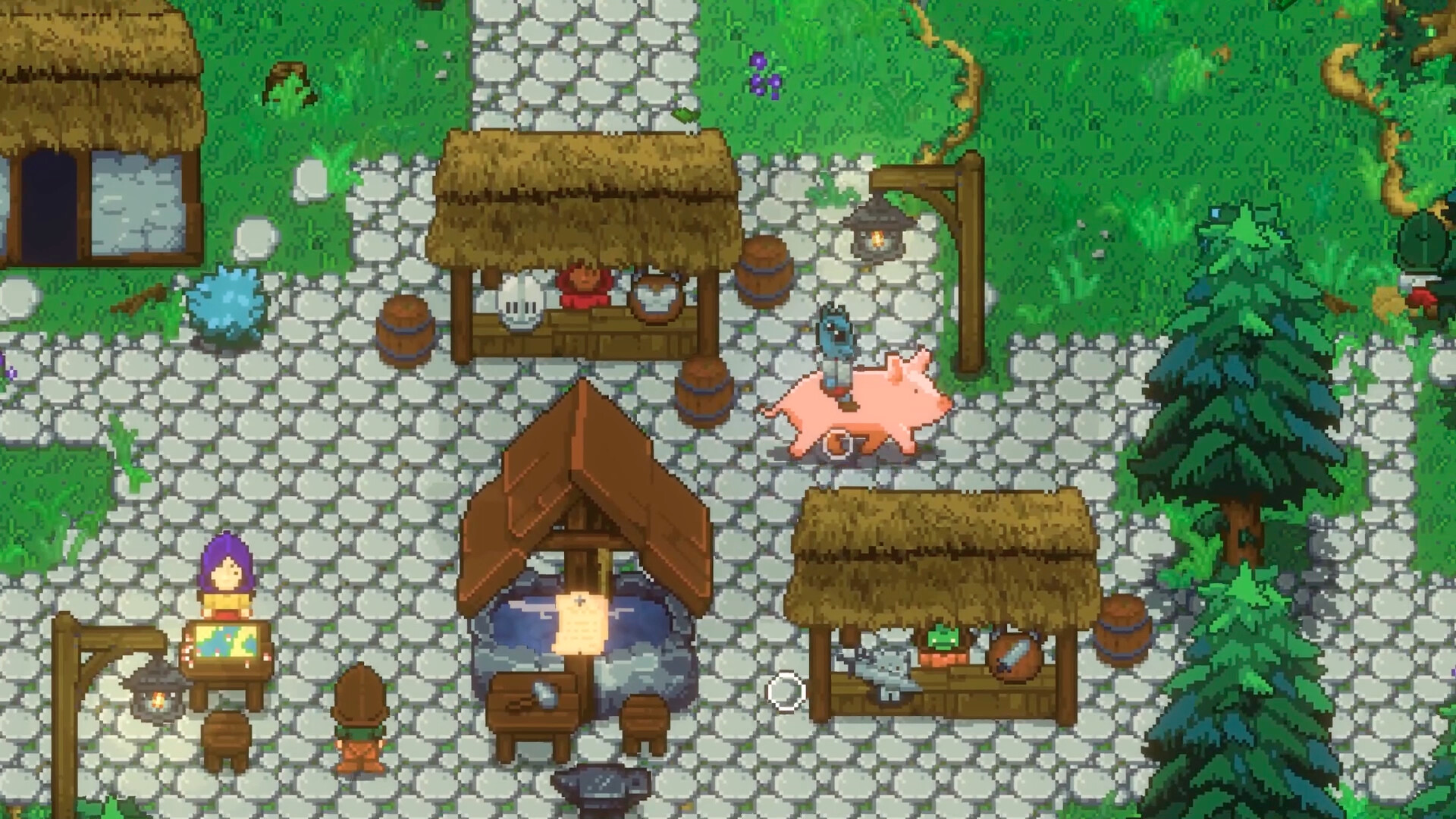
- Use Center Map if you lose your position after panning. Overworld map zoom is retained when you leave a room. For a longer trip, bring a rideable companion and take a village quest before setting out.
Find Ocean Dungeons and wetland pets
| Goal | Where to look |
|---|---|
| Dungeonuss Crab | Explore Ocean Dungeons. The October world-generation patch stopped underwater dungeons and ruins spawning underneath islands and beaches. Check other ocean areas if you keep finding village or surface ruin landmarks. |
| Tapir | Search wetlands. This companion has Water and Earth abilities. |
| Animal Gods | Prepare for a procedural dungeon run and check the Lord's quest before setting out. |
The world is procedurally generated. Keep landmarks from your own world handy when switching between a village, a pet habitat and a dungeon. Pet habitats
Keep an old world or start fresh?
SpaceFudge recommends starting a new world for EA 0.2 to get the intended generation and balance. You can keep playing your previous world, with the possibility that its balance differs. EA 0.2 developer announcement