Beginner guide: the first hours
Finish the tutorial dungeon without skipping its combat rooms, tame a creature before you wander, and fix three settings first: the motion-sick title menu animation, your controller mapping, and text size.
The shape of the opening
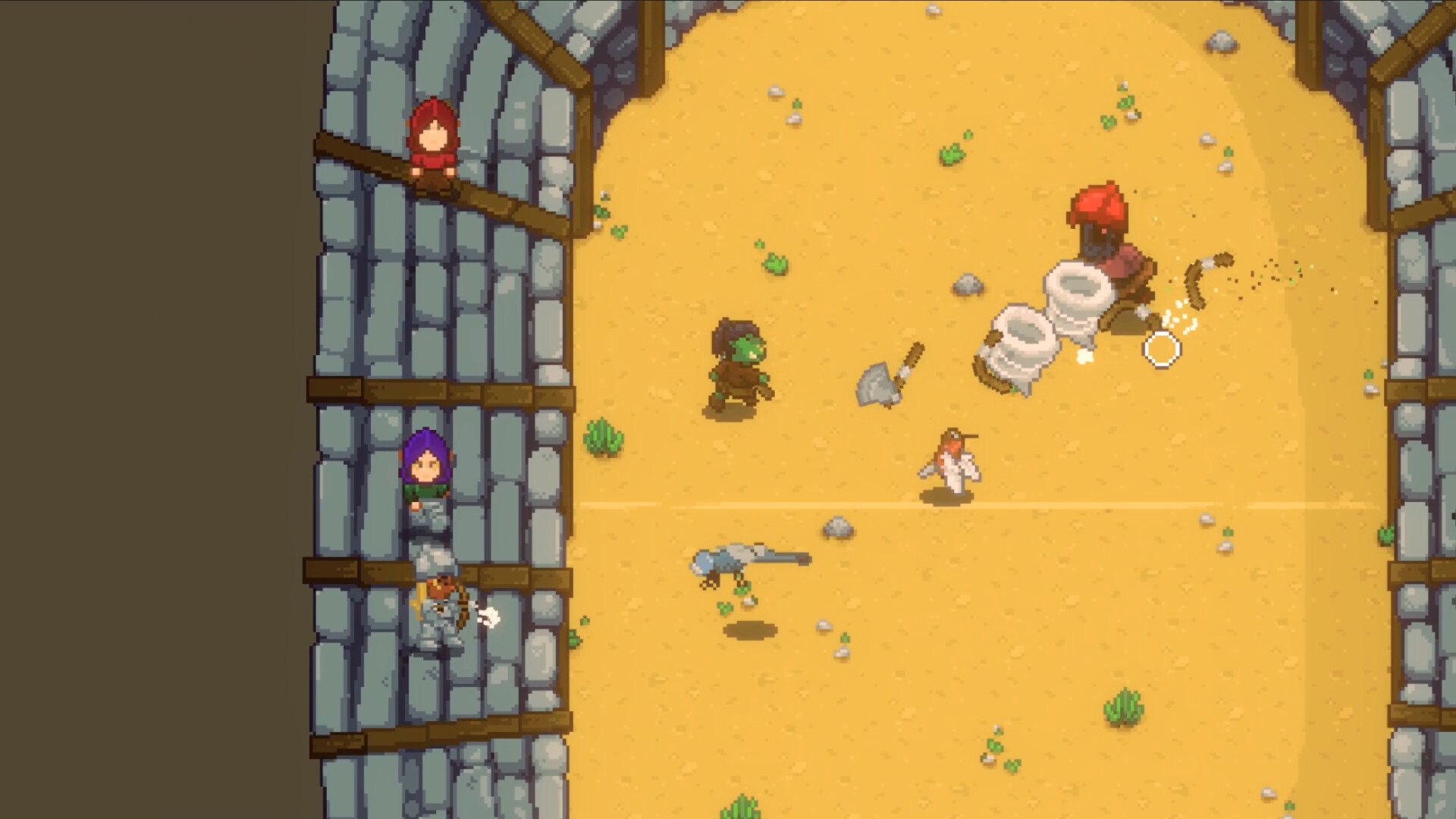
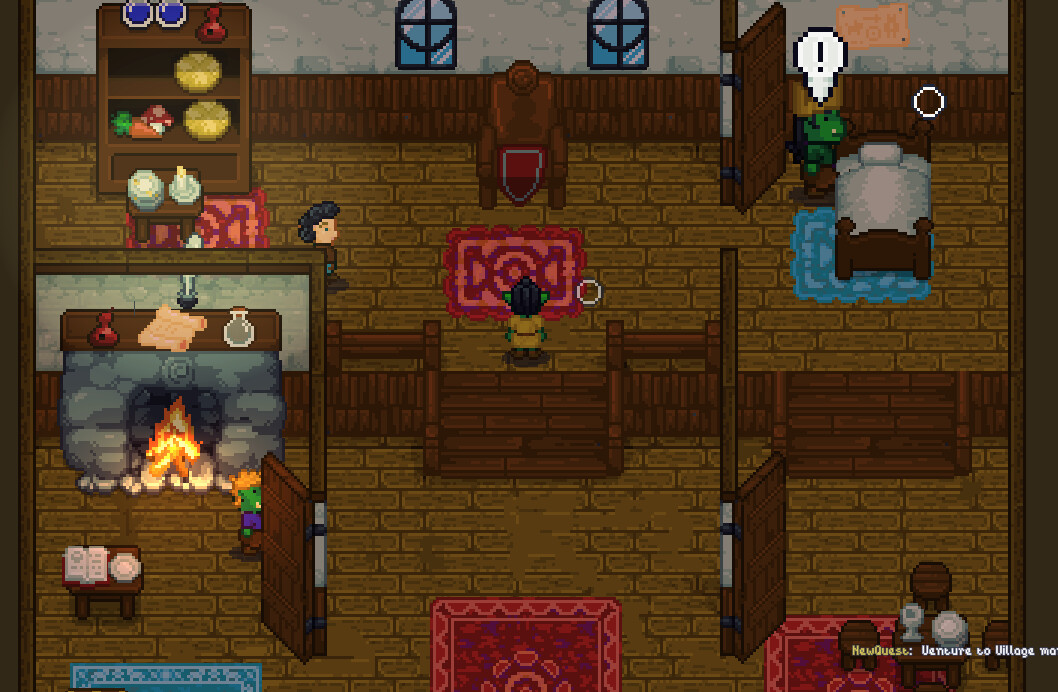
Wildaria starts you in a tutorial dungeon, hands you a lasso and a weapon, and then drops you into a procedurally generated world that does not lay a trail of markers for you. Feedback from alpha players has been consistent about one thing: the first session is where the game either clicks or confuses you, and the developer has reworked the tutorial more than once in response — the June 2026 update added extra direction and cinematics to lead you through it.
So the order below is built around that: get through the tutorial deliberately, tame something early, and leave the starting area only once you have a pet and a feel for the combat.
1. Finish the tutorial properly
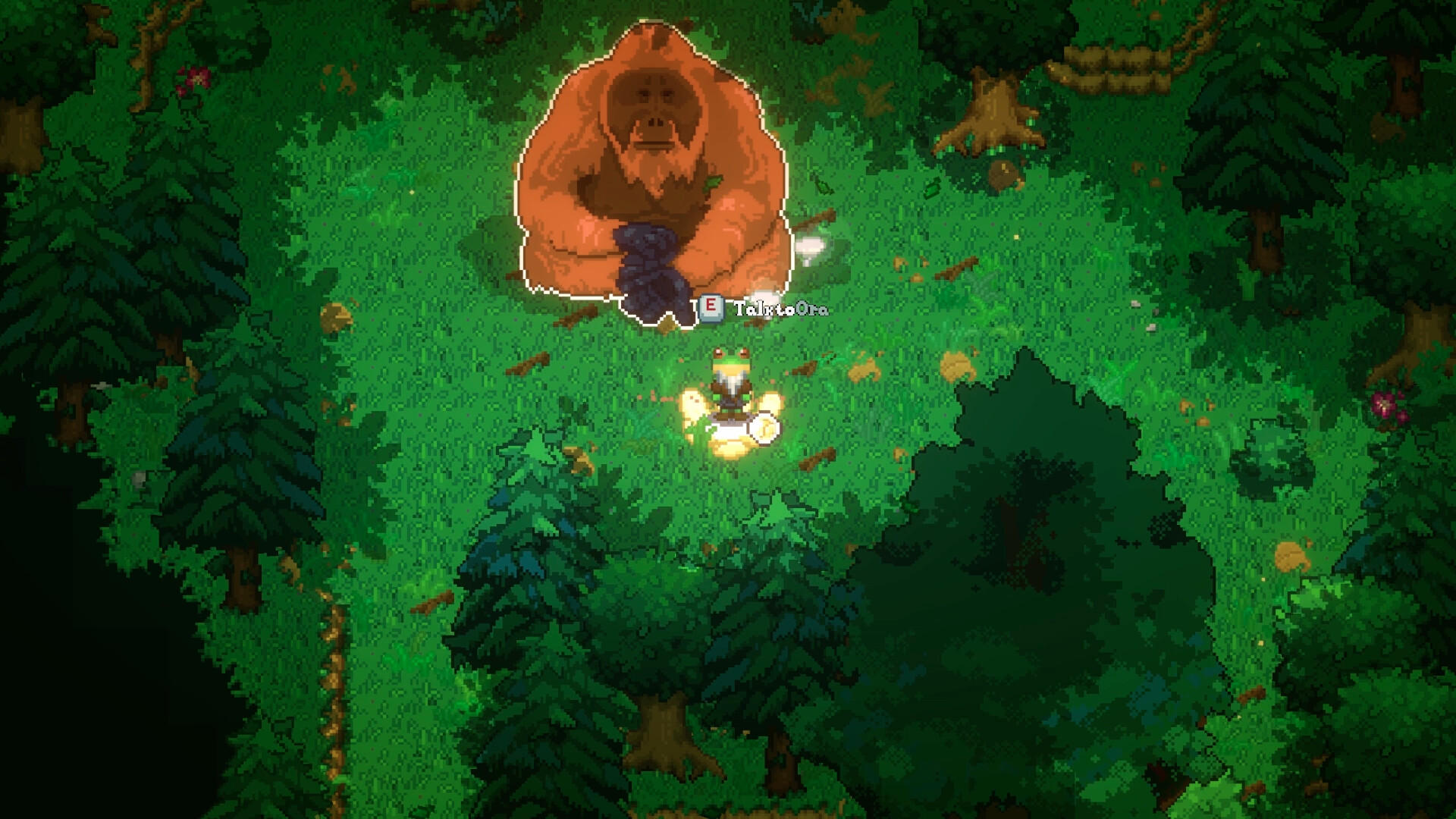
- Talk to everyone you pass. Conversations are how quests, trades and lore arrive in this game; nothing is auto-added to a quest log by walking past it.
- Read the interaction prompts rather than spamming them. Alpha players complained specifically about repeated
Einteractions on the starting tent being unclear — the prompt text tells you what the object is for, and the tutorial relies on you noticing it. - Do not skip the dungeon's combat rooms. They are a free lesson in dash-dodging before the enemies hit hard enough to matter.
2. Tame something before you explore
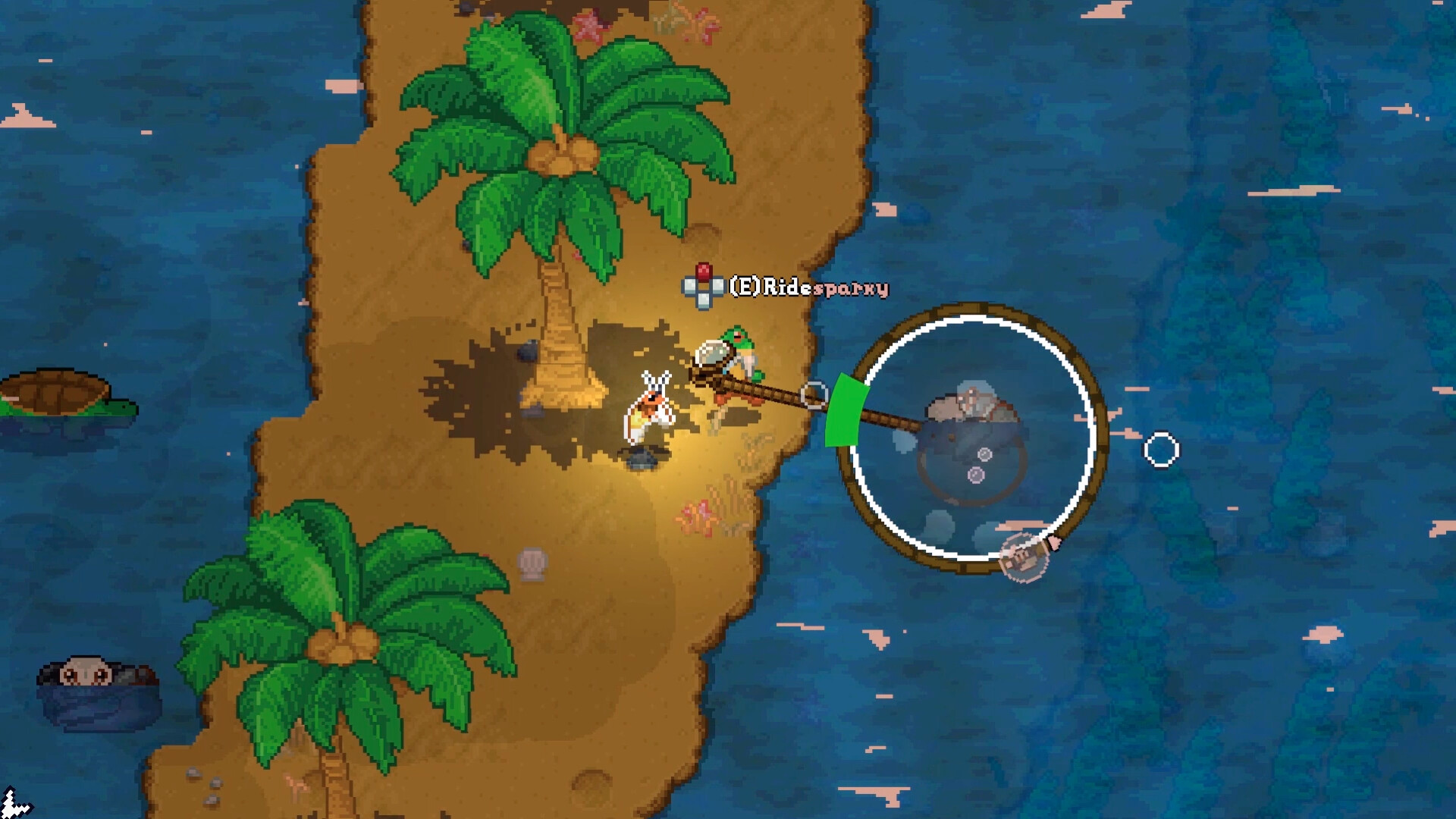
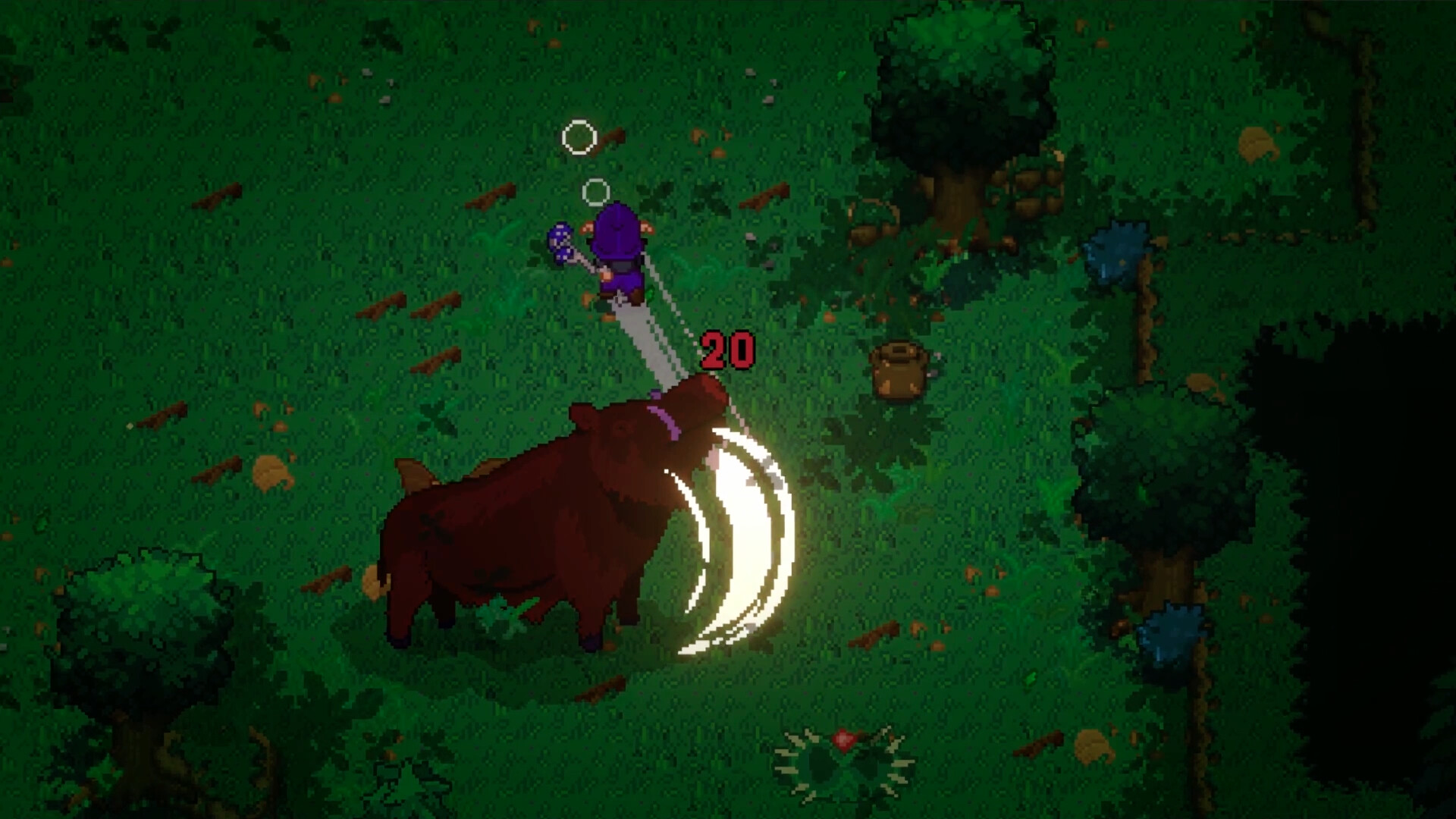
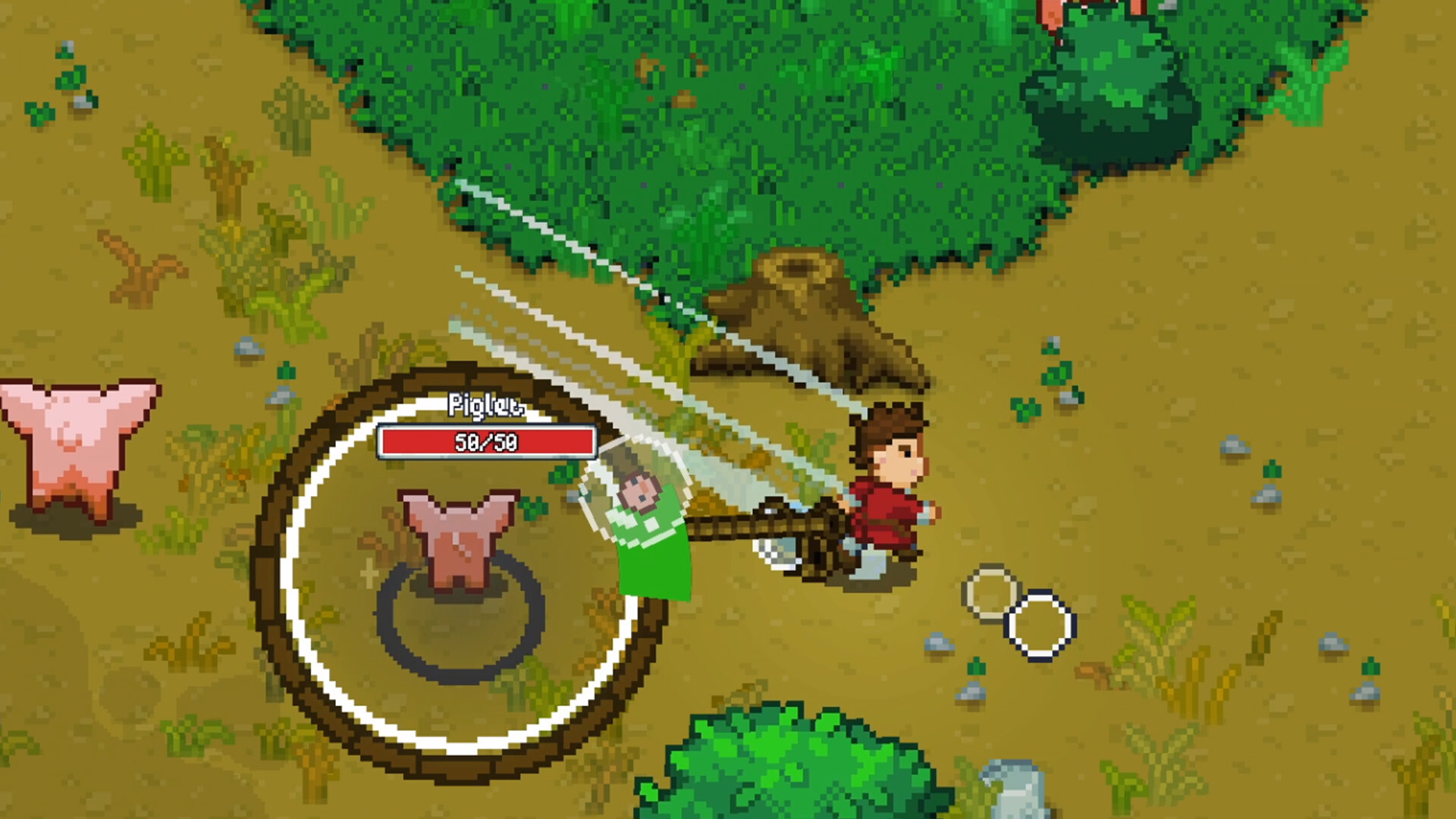
Taming is not a late-game system you unlock; it is the core loop, and every creature is a candidate. The lasso runs on a mini-game, not a dice roll, so your first attempts teach the timing you will use for the rest of the run. Full breakdown on the pet taming page.
Two things worth knowing on day one:
- Creatures you tame get levels and abilities, so an early companion does not become dead weight. Feeding it into fights is how it grows.
- Elemental abilities matter more than raw stats. A pet whose element counters the enemies in the biome you are exploring is worth more than a bigger creature of the wrong element.
3. Pick a class direction, not a final build
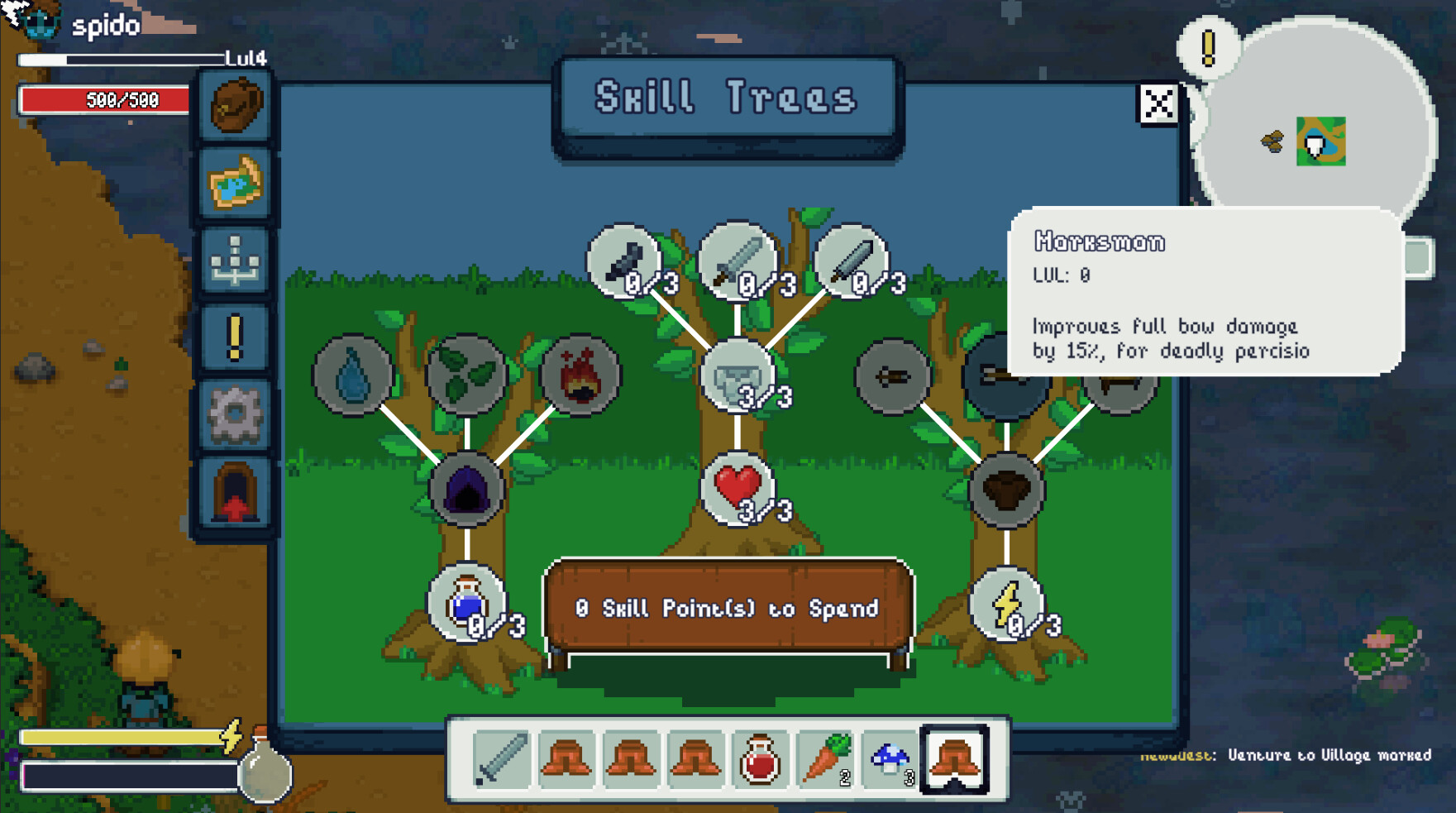
Character creation offers five species plus face, hair and body customisation. After that, the skill tree asks you to specialise — and a respec system was still in progress as of the August 2026 build, so early choices were not meant to be permanent.
Read the classes and skills page before spending points, but do not agonise: the tree in the alpha was widely described as small, and the developer has acknowledged that feedback directly.
4. Fix these settings before your first long session
Alpha players reported two things that are worth pre-empting:
| Setting | Why it matters |
|---|---|
| Title-menu motion | The animated starting menu made at least one player motion-sick. The developer added a checkbox to disable it — find it in settings before you stare at the menu. |
| Controller mapping | Full controller support is listed, including DualShock and DualSense, and the August patch added rebinding (you can swap a bound key with another). Check your prompts before you commit to muscle memory. |
| Text size and subtitles | Both exist as options. The pixel font is legible, but the UI scales, so pick a size that survives a big monitor. |
5. Then go get lost on purpose
The procedural world is endless, and the developer's stated intent is that you find things — biomes, secrets, camps and ruins — by exploring rather than by following waypoints. The practical version of "explore" here:
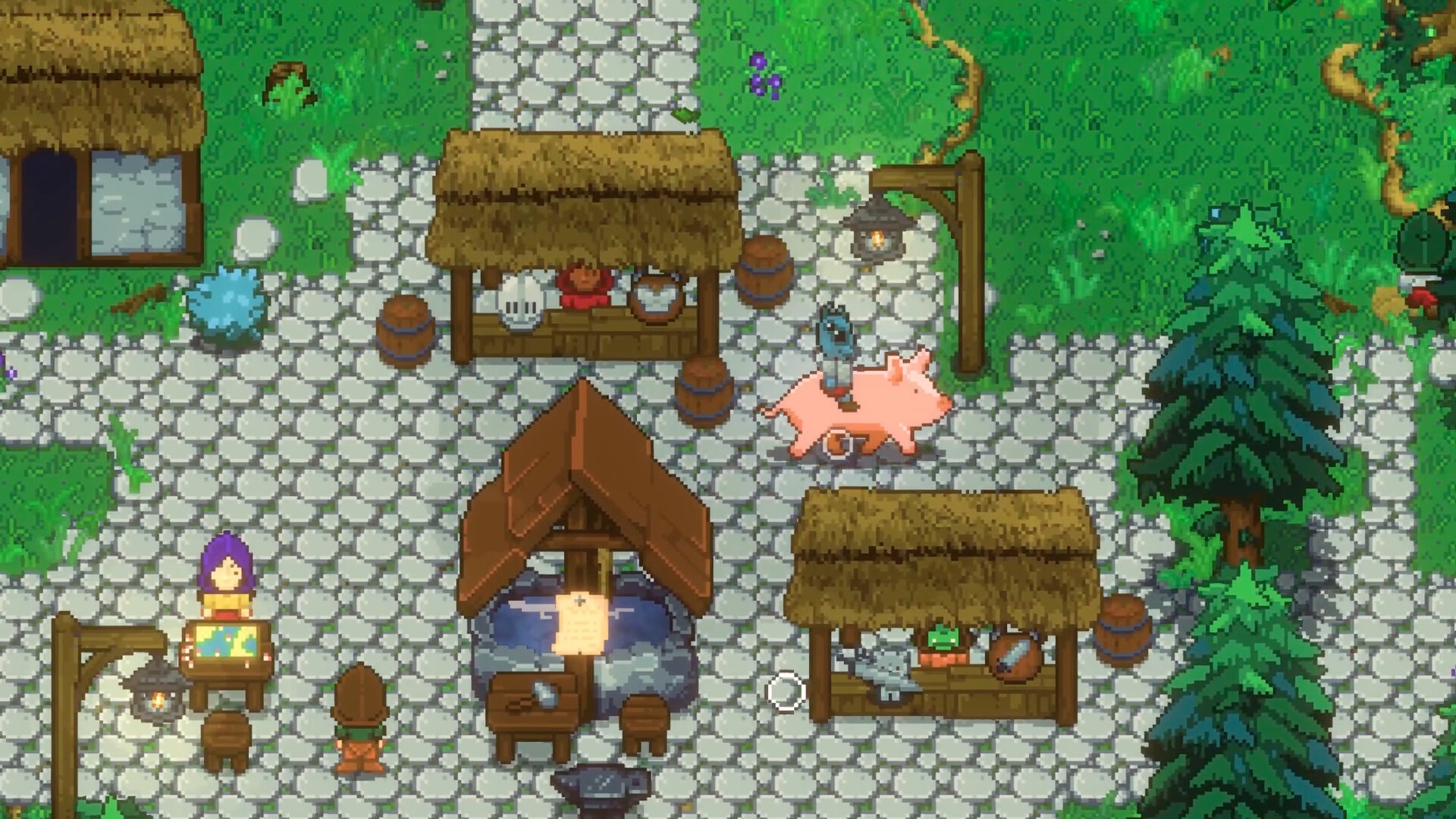
- Take a quest from a village or a camp before wandering, so you have a destination.
- Mark what you find. There is no map reveal mechanic that will do it for you.
- Come back with loot, then spend it on upgrades and pet growth rather than hoarding it.