Quests, NPCs and Trailsweeper
Hold the requested pet container when speaking to the quest giver. The game prioritises the pet in your hand and protects the one you have equipped.
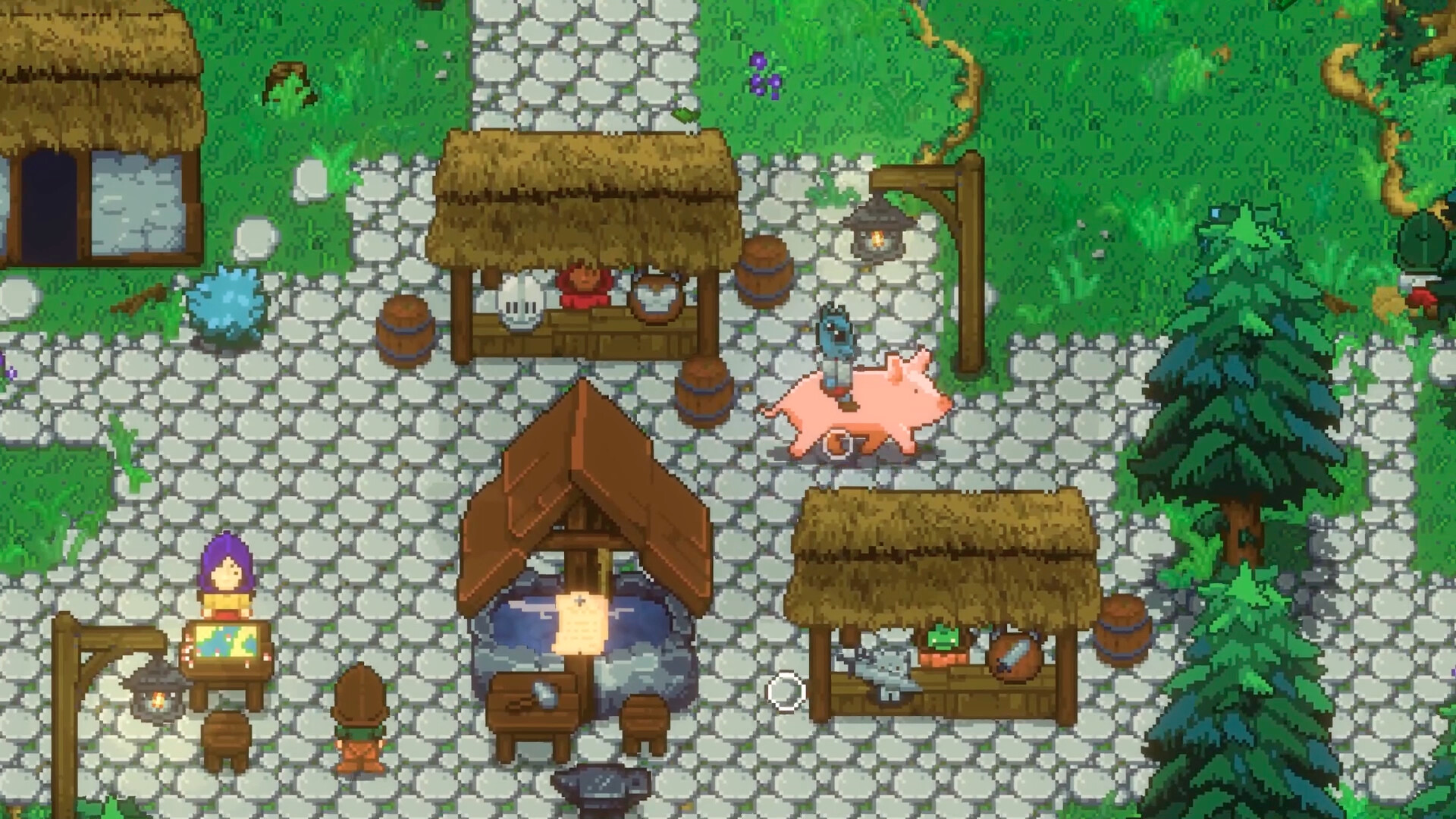
Find a quest giver
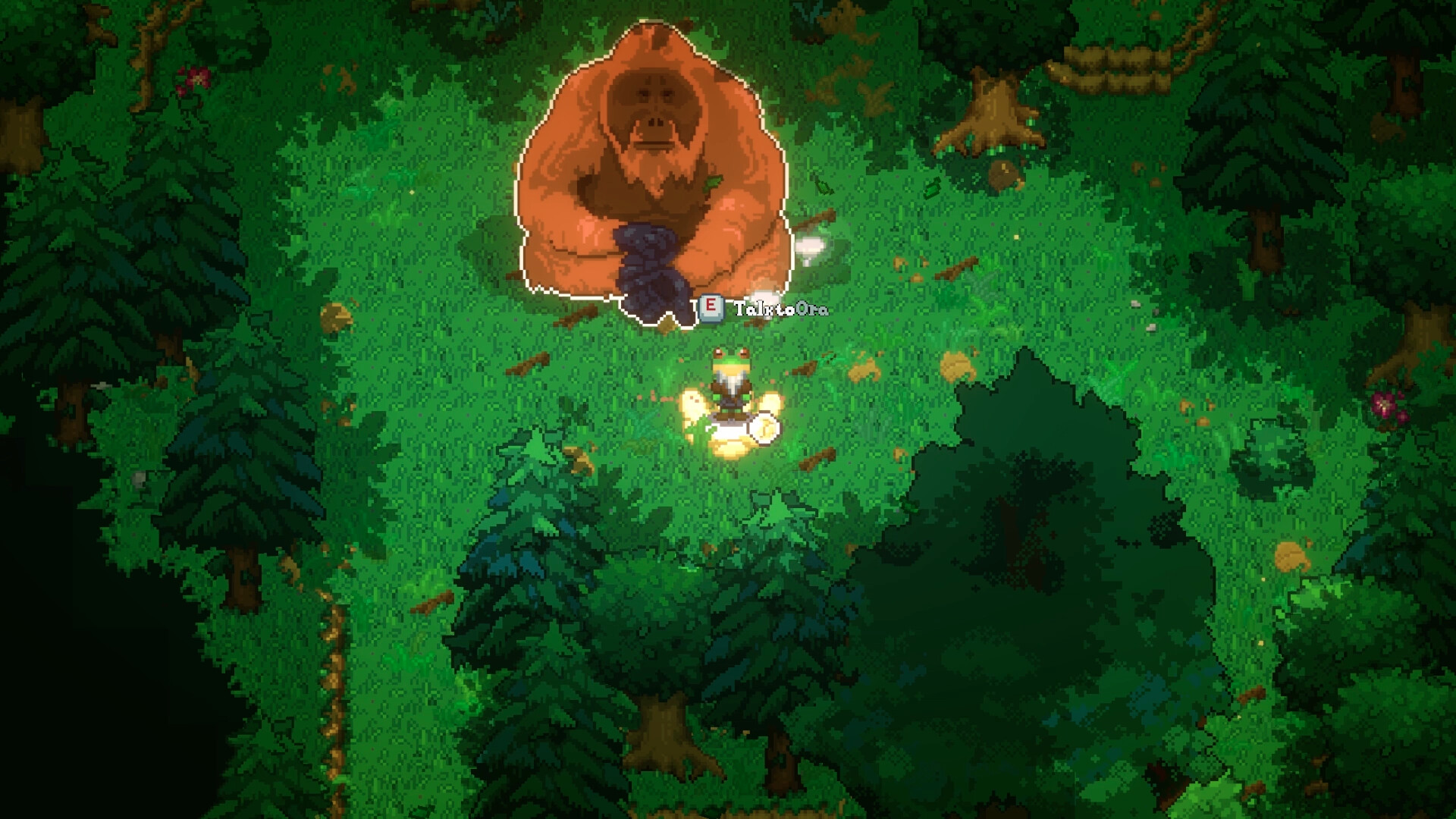
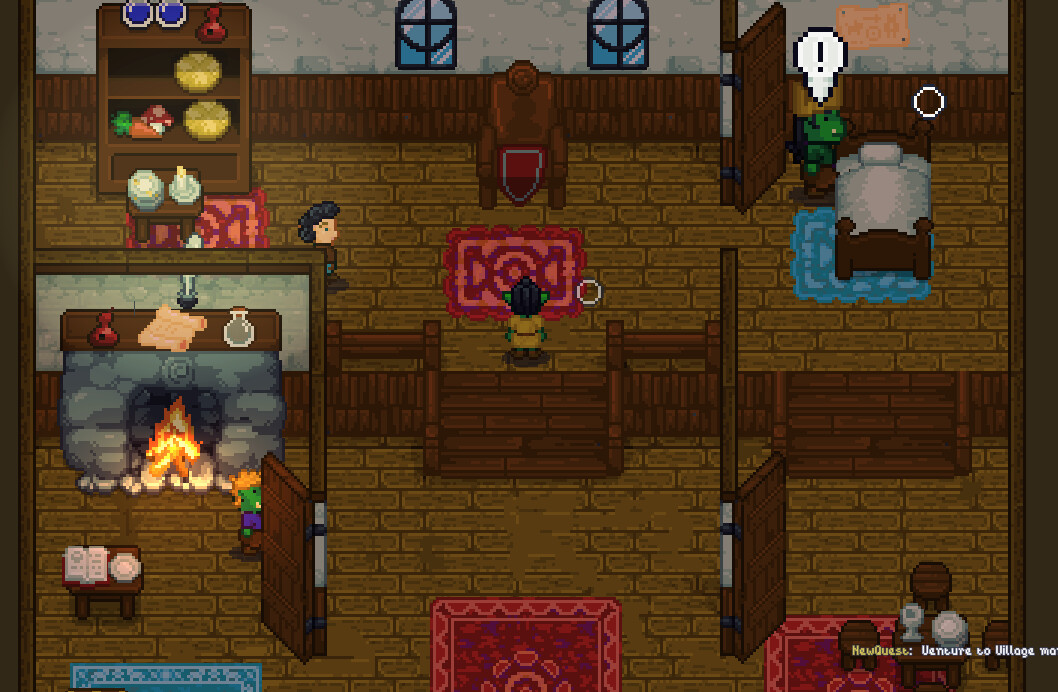
Start at the village marker and speak to the villagers for quests, trades and upgrades. Camps and ruins have NPCs too. Main-story choices can lead to different allegiances and fights. For the Lord's quest, see Animal Gods and dungeons.
Deliver a captured pet
- Read the quest log for the requested pet. An unequipped pet in your backpack can count toward the objective, and the log prompts you to hold it for delivery.
- Select that pet's container and hold it in your hand before speaking to the quest giver. The game prioritises the pet in hand and protects the pet you have equipped.
- Finish the conversation and check the journal. Accepting a side quest and handing one in trigger an autosave.
| What you see | What to try |
|---|---|
| Pet in backpack, NPC still asks for it | Hold the requested pet container in your hand, then reopen the conversation. |
| The pet you want to hand in is equipped | Keep your combat pet equipped and catch a spare for delivery, or switch to a different companion before handing the requested one in. |
| Your spare will not turn in | Check that it is the requested pet and that the intended item is not starred. Favourite protection blocks quest turn-in. |
Protect items while trading or delivering
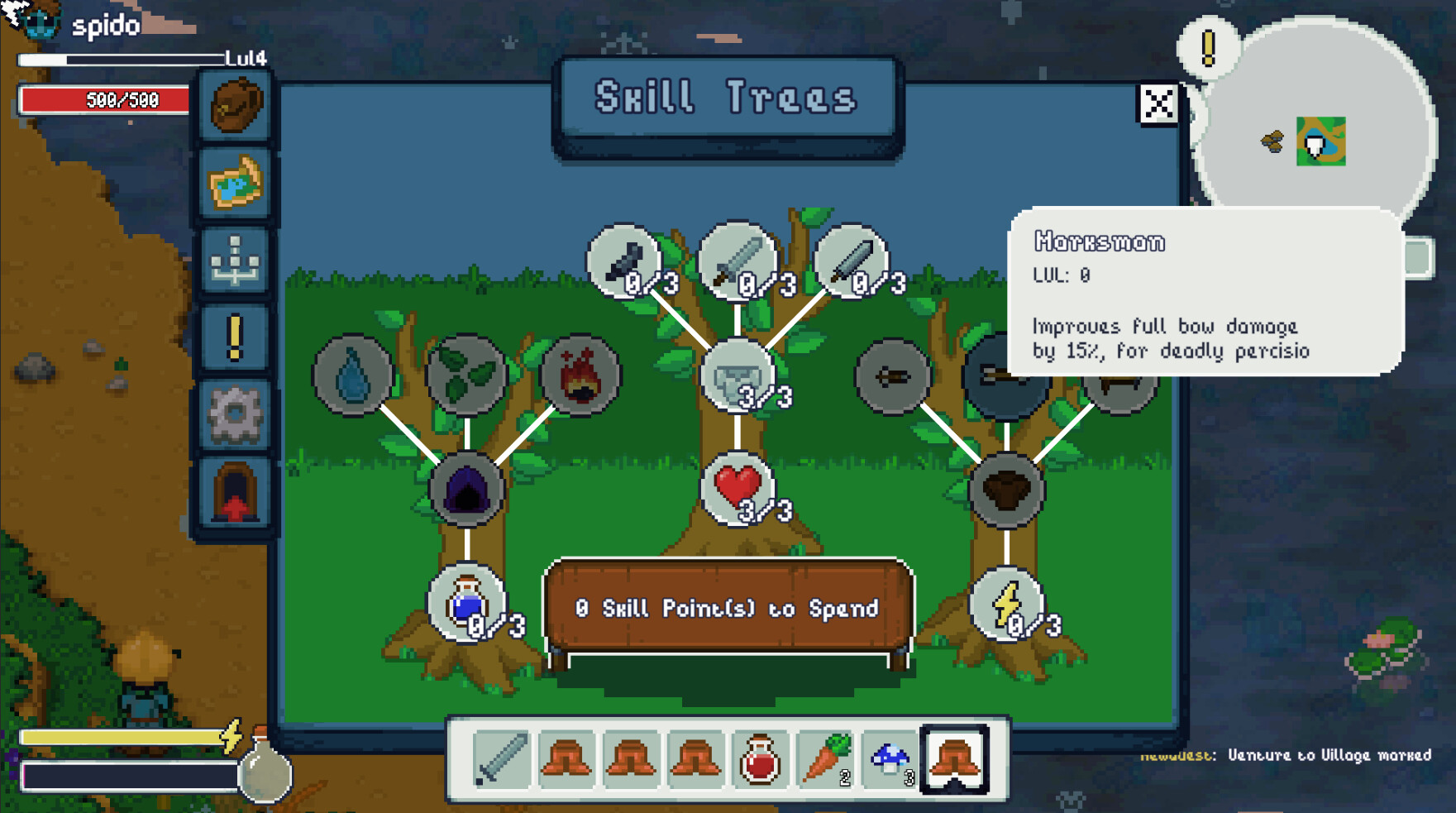
Use the interact action to star equipment you want to keep. It prevents dropping, selling and turning in that item. If you are delivering a starred item on purpose, remove its star first. In EA 0.2 an upgraded item keeps its favourite status. Sort controls are available in both the backpack and chests. Item and quest update
Villagers also offer Trailsweeper, a board game played for coin. For a longer outing, pick up a quest first, then use the world map to keep the return route in view.