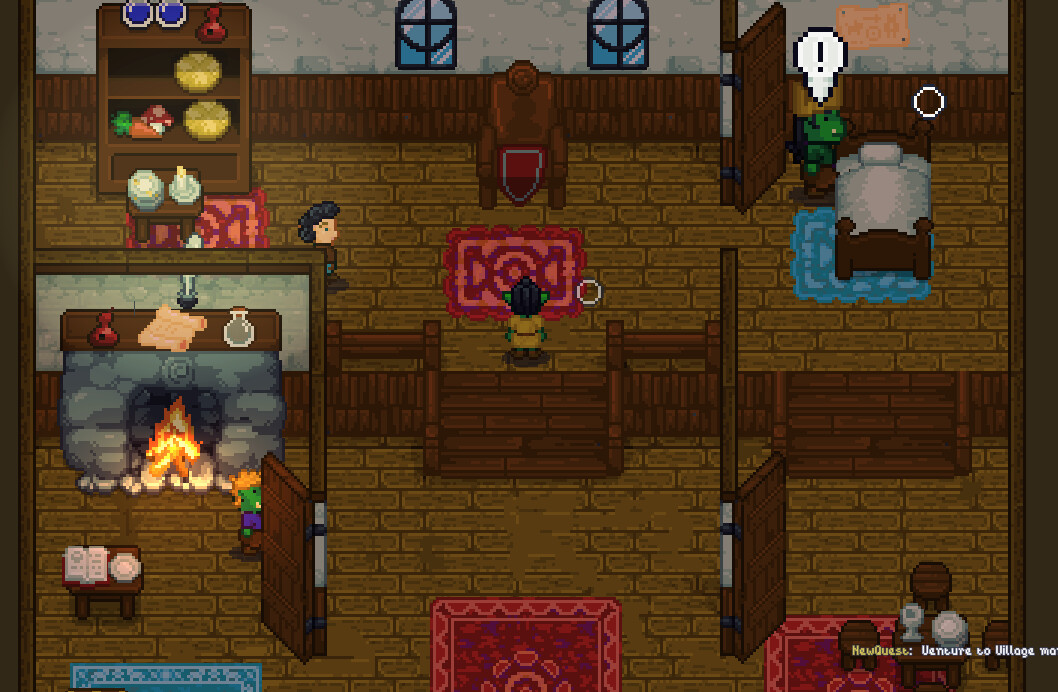
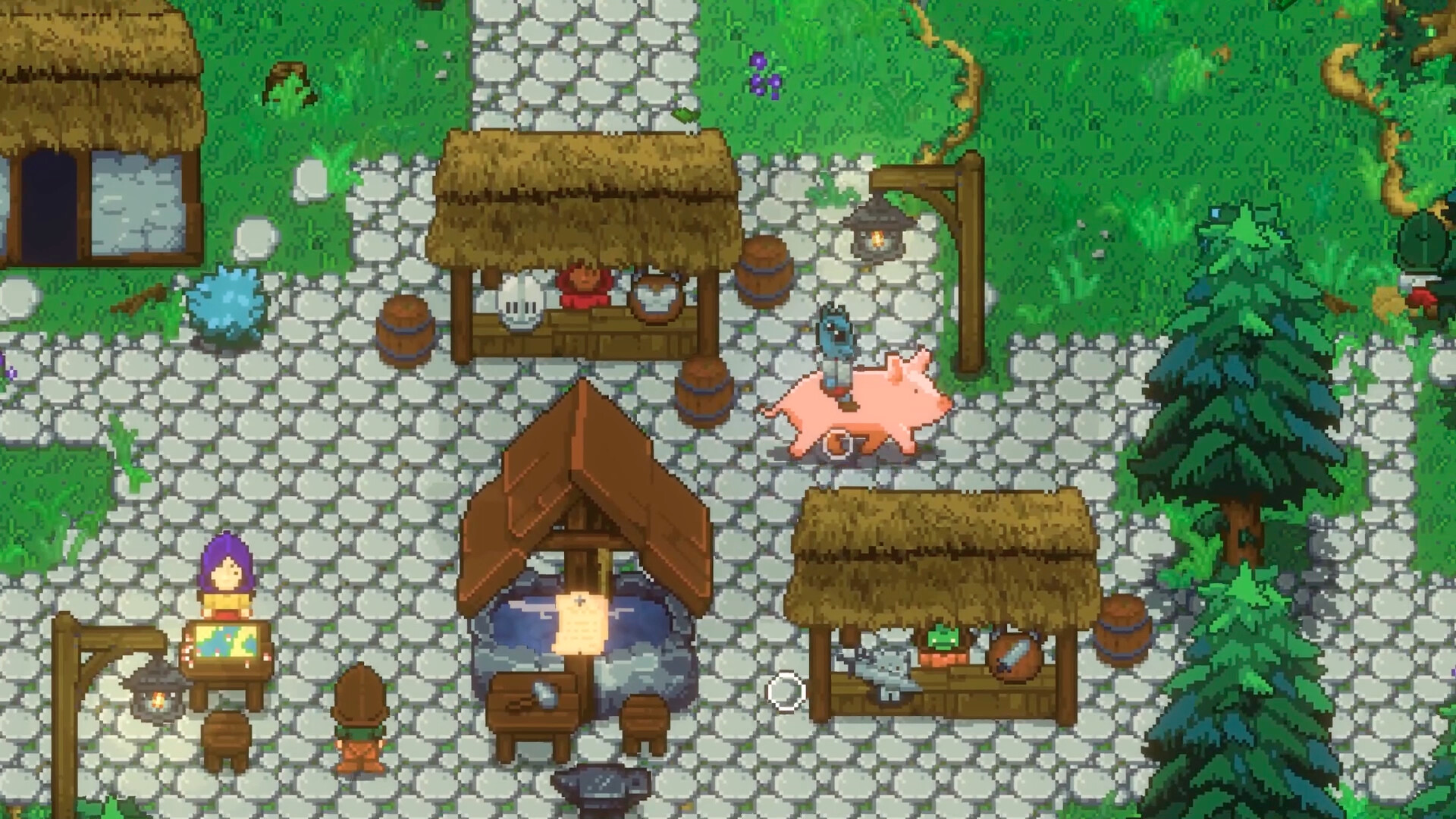
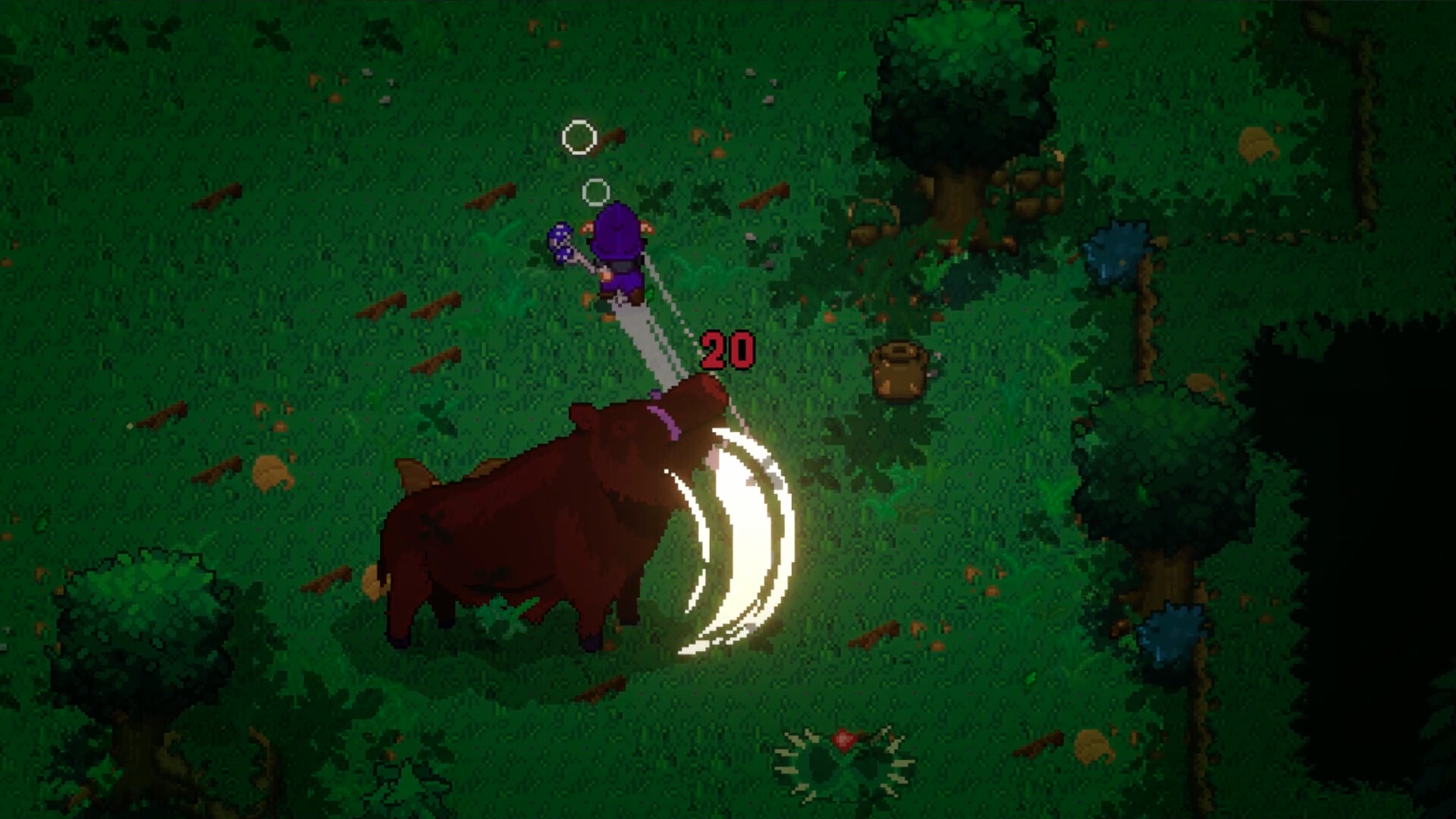
Combat, weapons and abilities
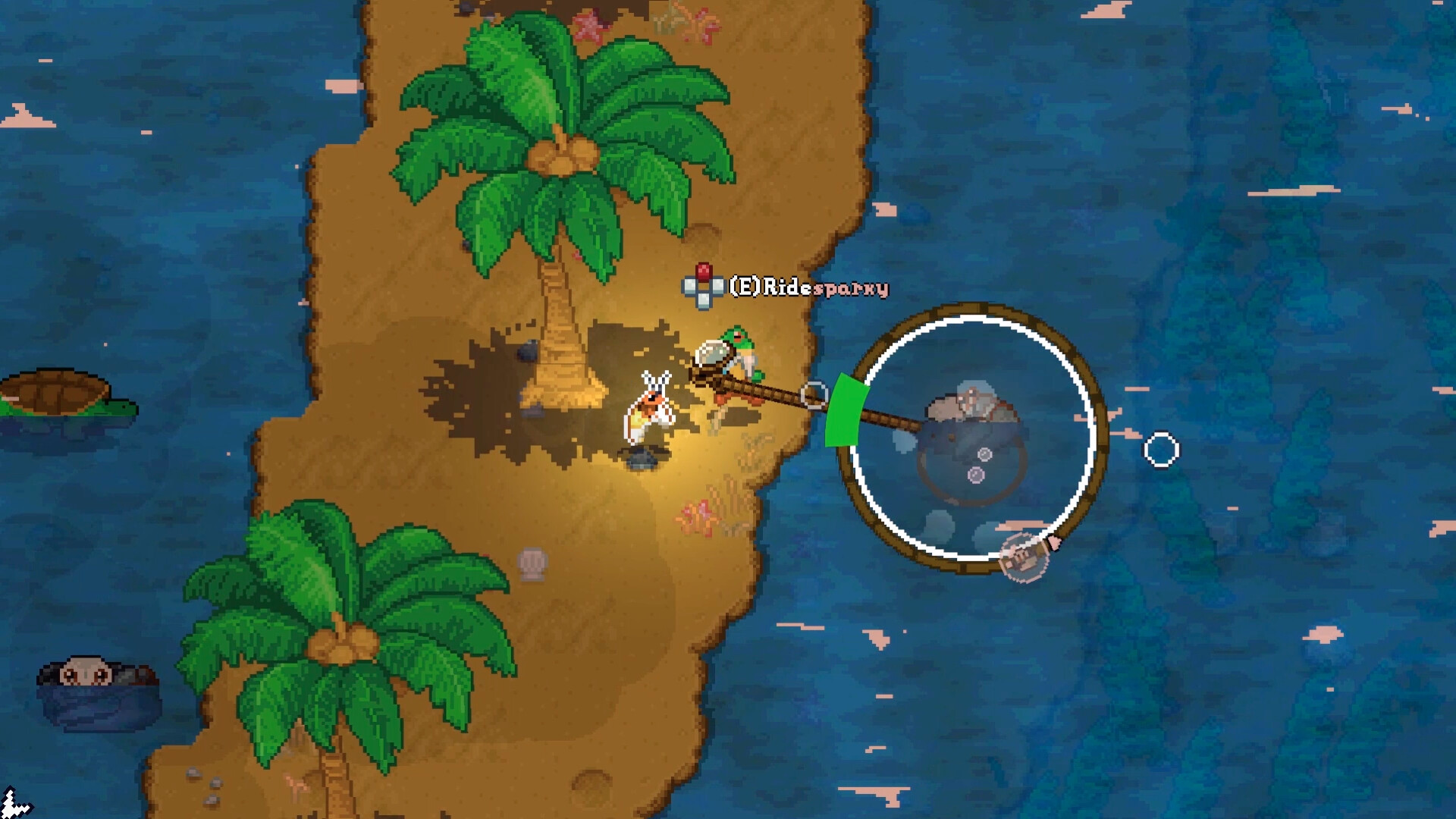
In EA 0.2 an out-of-aggro pet fires its ability toward your cursor. Set up a clear line before engaging and keep space for a dash.
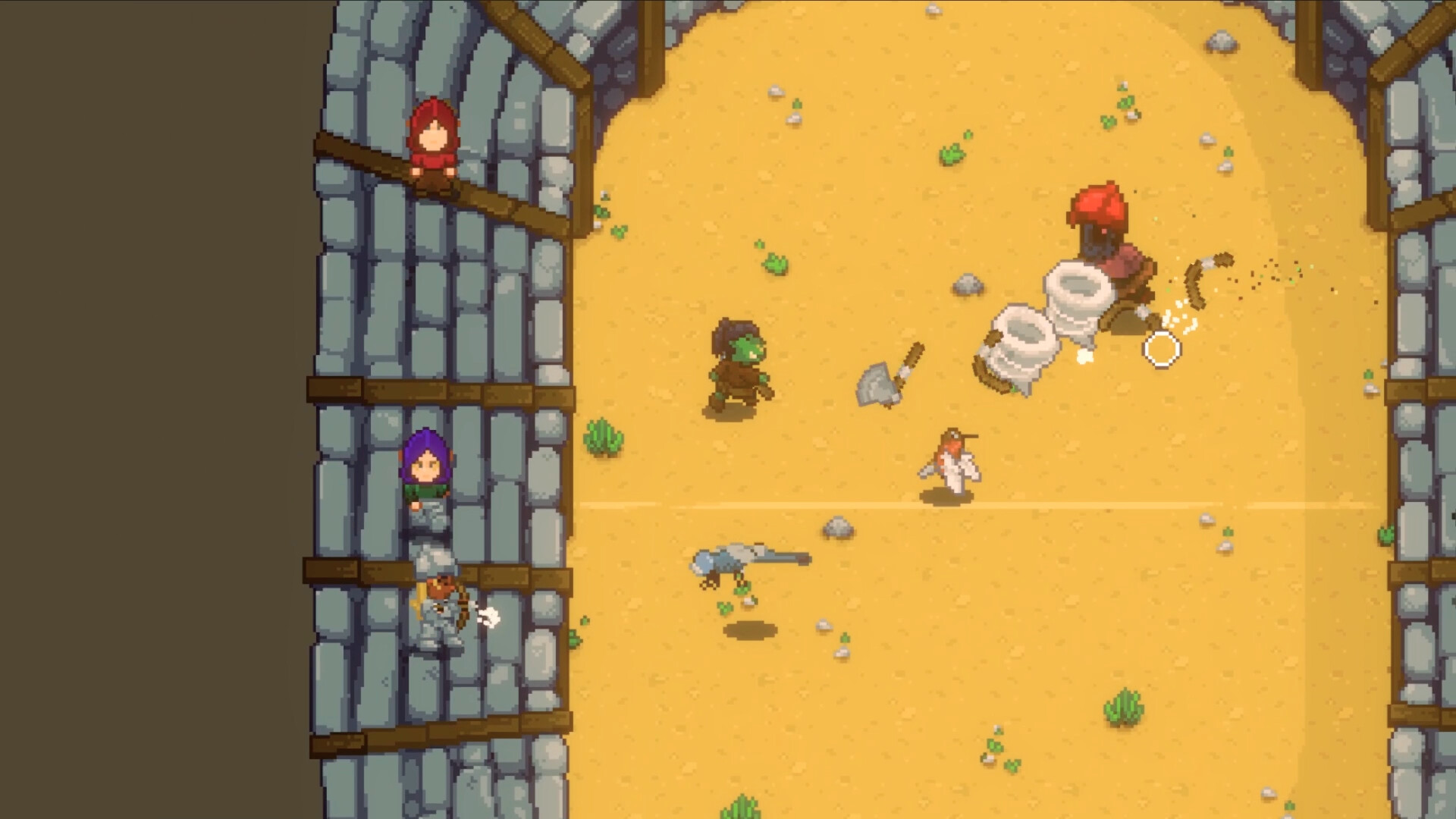
Open a fight with room to move
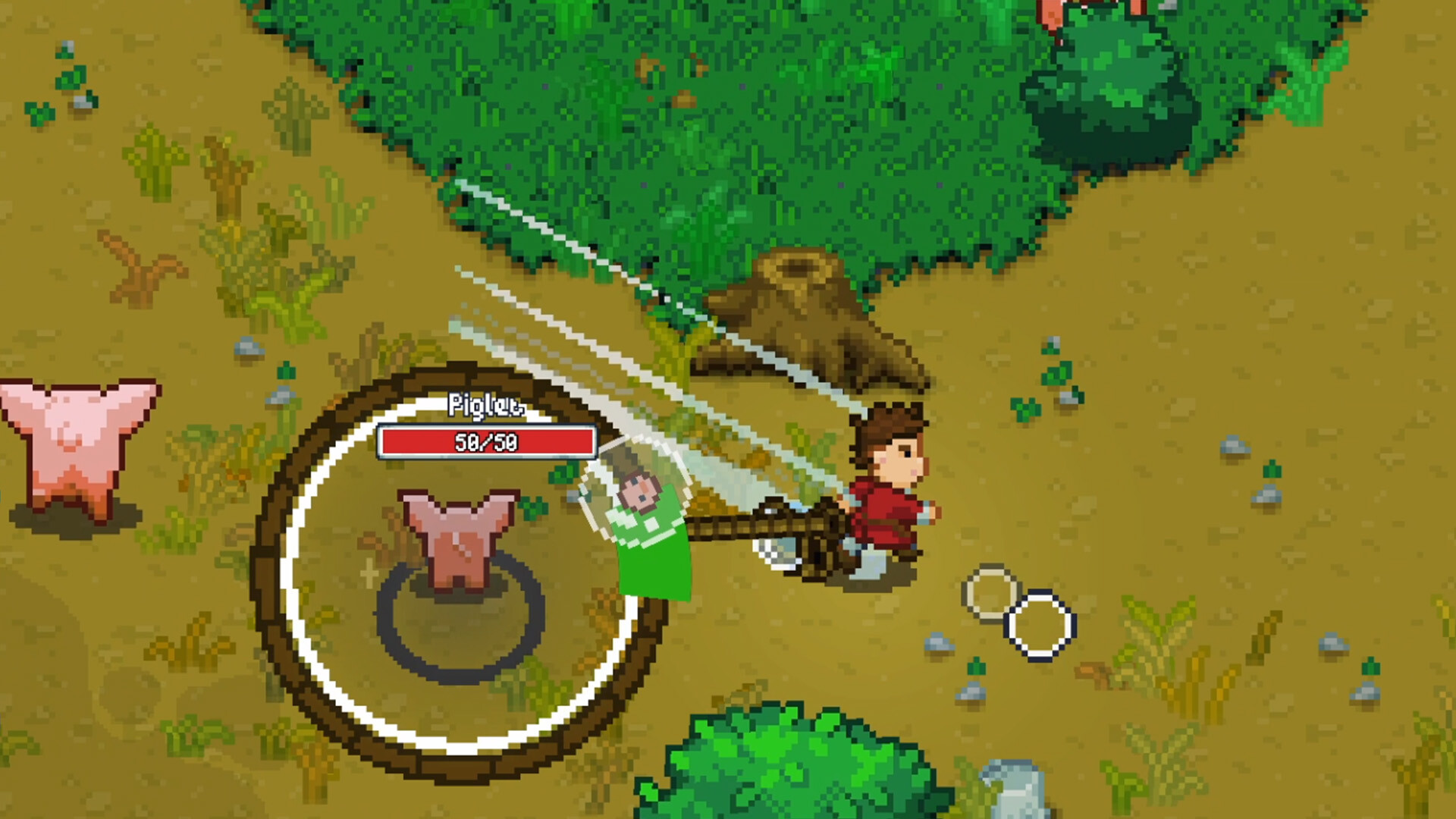
Use the tutorial to learn how far a dash carries you. In open terrain, let a creature commit to an attack before dodging and countering with the weapon's reach. In a narrow dungeon corridor, leave enough space to dash before charging a mana ability. Keep a charge ready if you are heading into an elite or boss room.
Direct your pet's first ability
EA 0.2 uses cursor direction when the pet is out of aggro. Before engaging, give yourself a clear line, place the cursor along the path you want and use the pet ability. If the pet is already engaged, its ability does not use that out-of-aggro rule. Check the pet's state before changing auto-aim. Mouse/keyboard and controller have separate auto-aim options. EA 0.2 patch
Change the loadout when the fight changes
| Trouble | First adjustment |
|---|---|
| A short-reach weapon leaves you inside an enemy swing | Dash clear and re-enter during the recovery. Consider a weapon with more reach if you cannot close safely. |
| Your pet's elemental ability does little in a new biome | Test a different element against an ordinary enemy before spending mana in a boss room. |
| Recoil or motion obscures attack tells | Try the screen shake toggle and camera pan setting separately. Settings |
| An old high-level route feels different after the patch | EA 0.2 reduced steep HP and damage scaling at high levels for players and enemies. Compare one familiar fight before relying on the old timing. |
See taming for companion choices and Animal Gods for preparing a dungeon run.